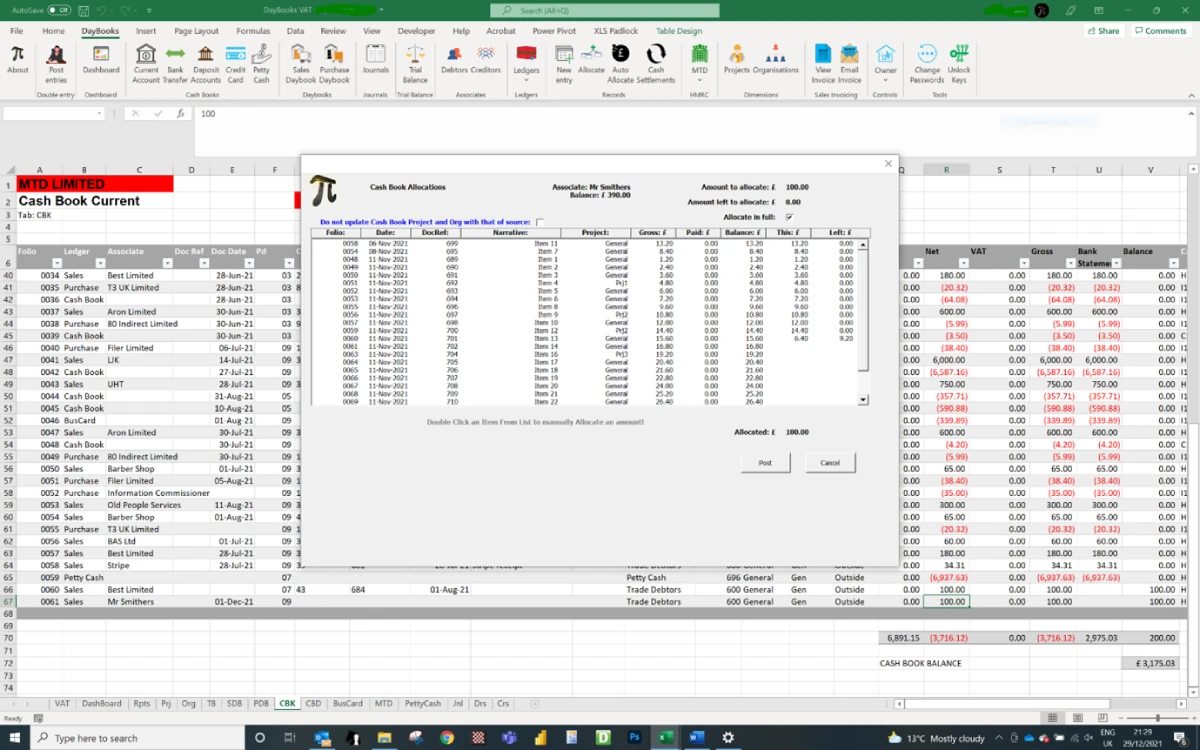
You may then allocate the cash book item to any of the outstanding invoices or even use the “Allocate in full” checkbox which will allocate the amount in full to all outstanding invoices arranged in date order. By default, the original cash book entry will be updated to match the project and org codes used on the allocated invoices. This is useful if you need to maintain balanced ledgers by project and organisation combinations. You may override this if deemed not necessary.
There is a separate “Auto Allocate” routine to allocate all unallocated cash book items to all customers or suppliers. This is useful when the accounting records are not maintained regularly and there is the need to do a mass update.
Transfers between bank accounts only require one entry in either of the bank accounts and the “Bank transfer” routine will record the entry in the other bank account.
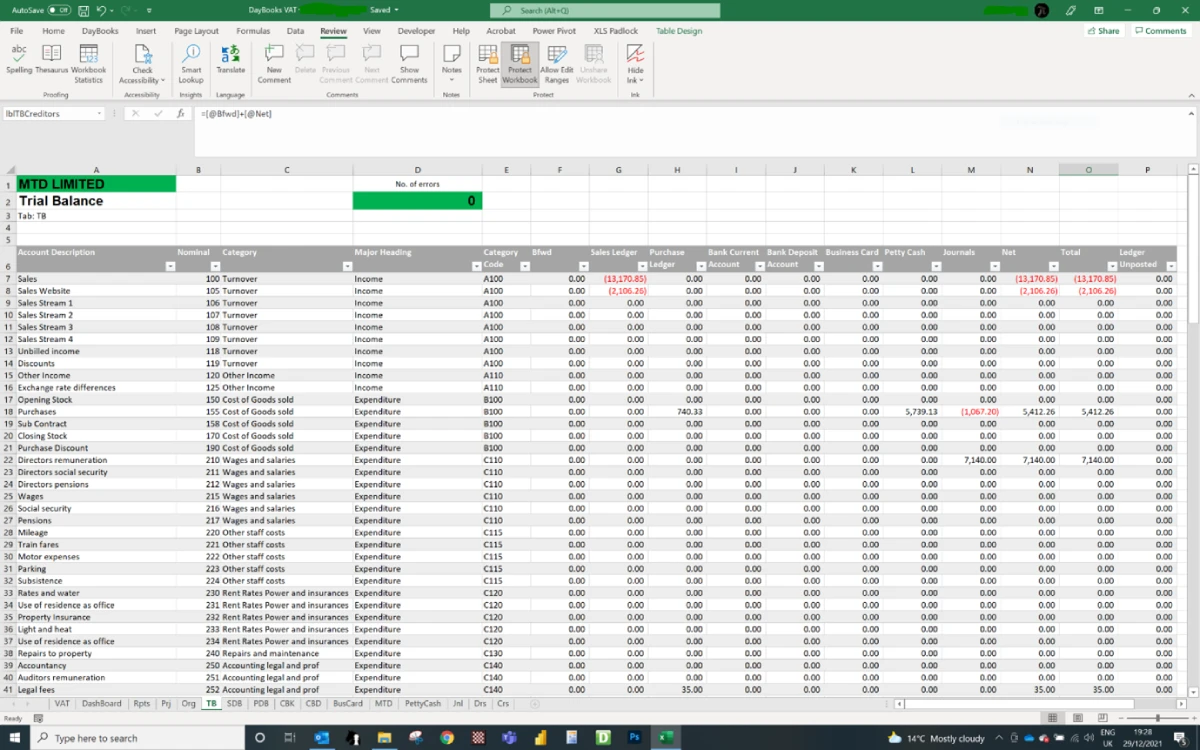
Every transaction can be allocated to both a project and organisation code. This is very useful for full project costing and enables profit and loss accounts to be prepared accordingly. If required projects can be further defined by Funds enabling Charity accounts to be prepared with ease. If a trial balance by project (and organisation) is required, then the cash book can also be assigned to these project and organisation codes. The cash book allocation routine will update the project and organisation codes to match those used by their respective invoices. If you further require a balanced trial balance per project (or organisation) then there is a separate “Cash Settlement” routine to facilitate this. This will check the ledger for the balance by project and organisation combination. If the aggregate balance is not zero then contra cash entries will be made to balance them.